Is Pa’s Fridge free?
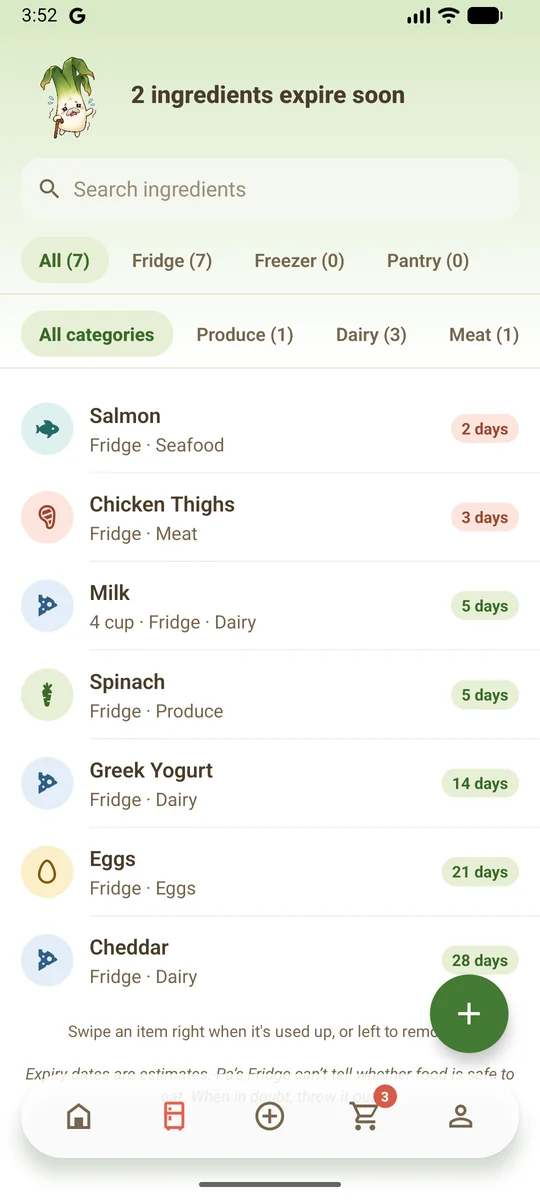
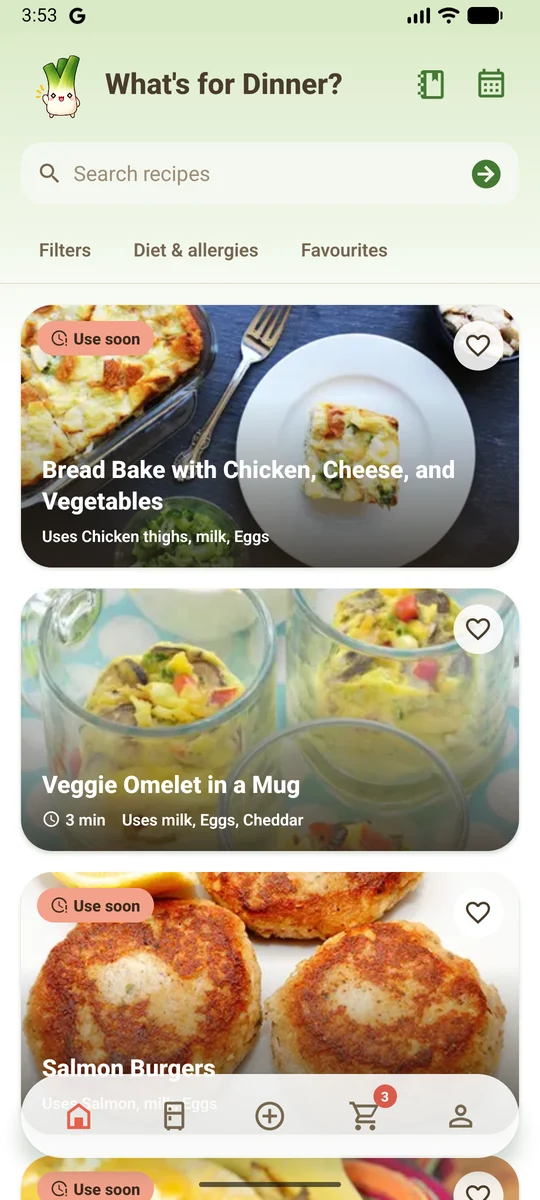
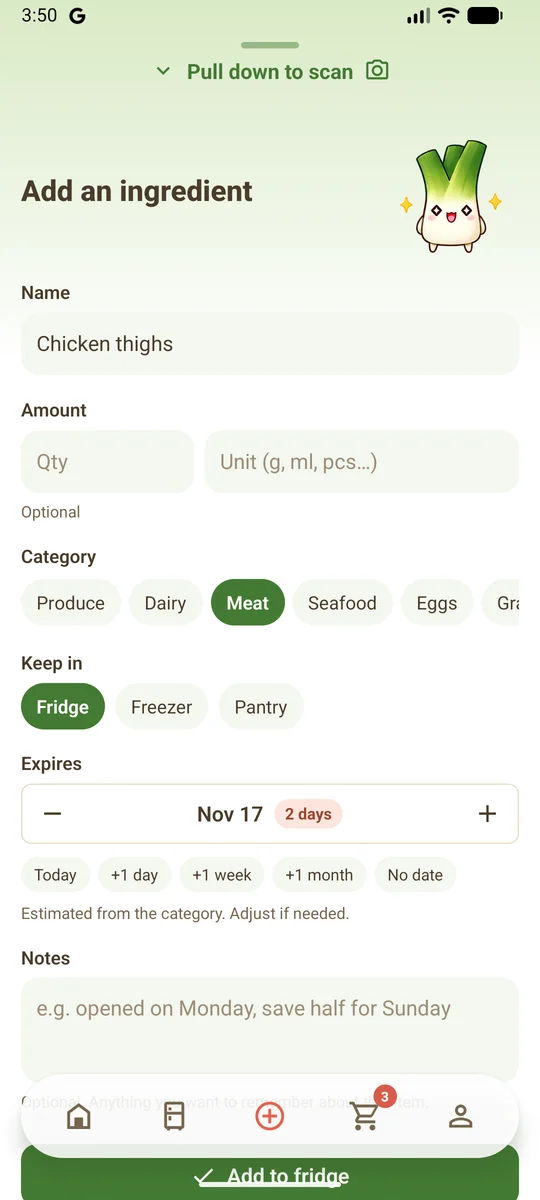
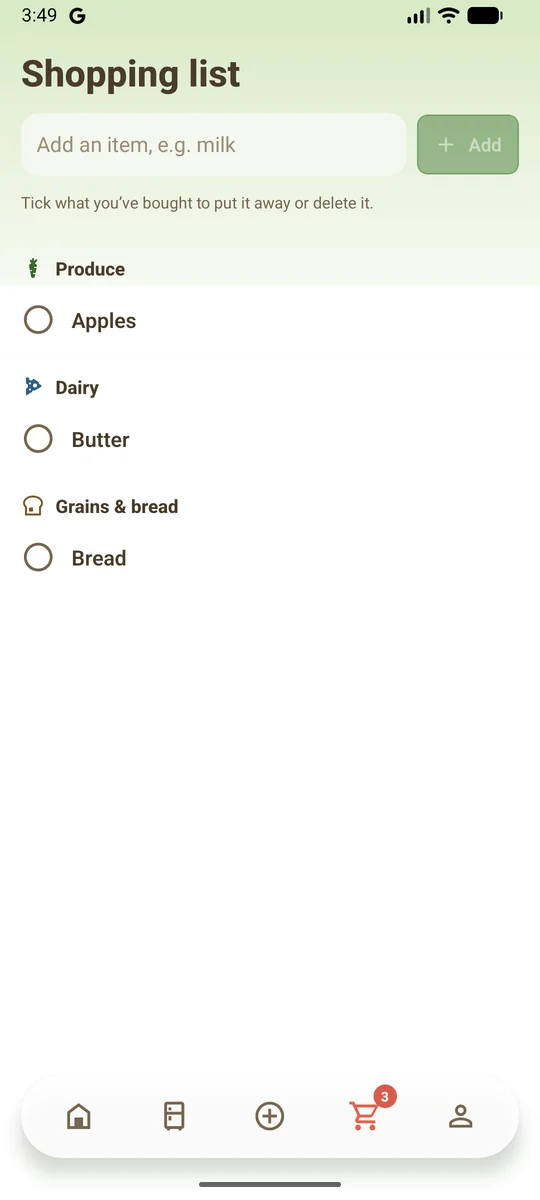
Yes. The Basic plan is free and covers tracking your food, recipes, your shopping list and a few photo scans each week. Plus and Premium are optional paid plans with more scans and recipe imports, and extras such as nutrition and a week planner. They are bought through Google Play.
When can I download it?
The app is being tested now and is coming soon to Google Play. To try it early, email pasfridge@gmail.com.
Is there an iPhone version?
Not yet. Pa’s Fridge is on Android first.
Do I need an account?
No. You can track food and find recipes without one, and your data stays on your phone. Signing in is needed for photo scanning, recipe import and sharing with a household, and it backs up your data.
What happens to the photos I scan?
A photo is sent only when you press Scan. It goes through our server to Google Gemini to be read, and our server does not keep it. After the scan, the app deletes its copy and keeps only the list of ingredients.
How does household sharing work?
One person creates a household and shares an invite code. Everyone who joins sees the same fridge, shopping list and meal plan. A paid plan held by one member covers the whole household. Your own recipes are never shared.
How do I delete my data?
In the app, go to Settings and choose Delete account, or Delete all my data if you never signed in. You can also ask from the Delete your account page.